
This Image Mistake = 267% Less Social Media Engagement. (Marketing Tip Mini-Pod)
Rich media banners are 267% more effective than static banners but this ad stat also applies to engagement on organic social posts (e.g. LinkedIn, X , and Facebook). This mini-pod and blog post is about something small and tactical that has a big impact on your social media efficacy.
Define what we’re talking about:
First, “rich media preview” or metadata just means that the social post’s featured image / thumbnail is grabbing information from your target link (such as a YouTube title and thumbnail, or blog post title and featured image). See the screenshots below with green check marks.
It happens automatically if your linked post or media asset has the metadata (title, thumbnail, description) and you share natively. YouTube always does. Blog posts usually do (up to you in settings).
It happens sometimes when using a scheduling tool like Buffer or Sendible.
It happens sometimes if the person posting chooses to attach a photo instead of letting the URL scrape metadata (native info like image and title). (Don’t attach a plain image when you could let the linked asset’s data scrape in and be rich.)
Benefits of rich media / metadata previews for outbound links on social posts:
Give your audience a more reassuring and visually pleasing UX
Display more information (where they’re clicking to - no surprises)
Use Fitt’s Law: You’ll have a much larger target area (featured visual and clickable description vs one small text URL)

Fitt's Law is a rule that says it's easier to touch or click on bigger things that are closer to you, and harder to touch or click on smaller things that are farther away.
Results: more clicks to your target media. Example below (X post, good):
❌ Vision boards
— Emily Binder (@emilybinder) October 18, 2023
❌ Startup MVPs
❌ 5-year plans
✅ Prototypes
Mini-pod: Why Startup MVPs and Vision Boards Don't Work
Spotify: https://t.co/T7LKM6Xh5t
YouTube: https://t.co/WrxQNn9tii
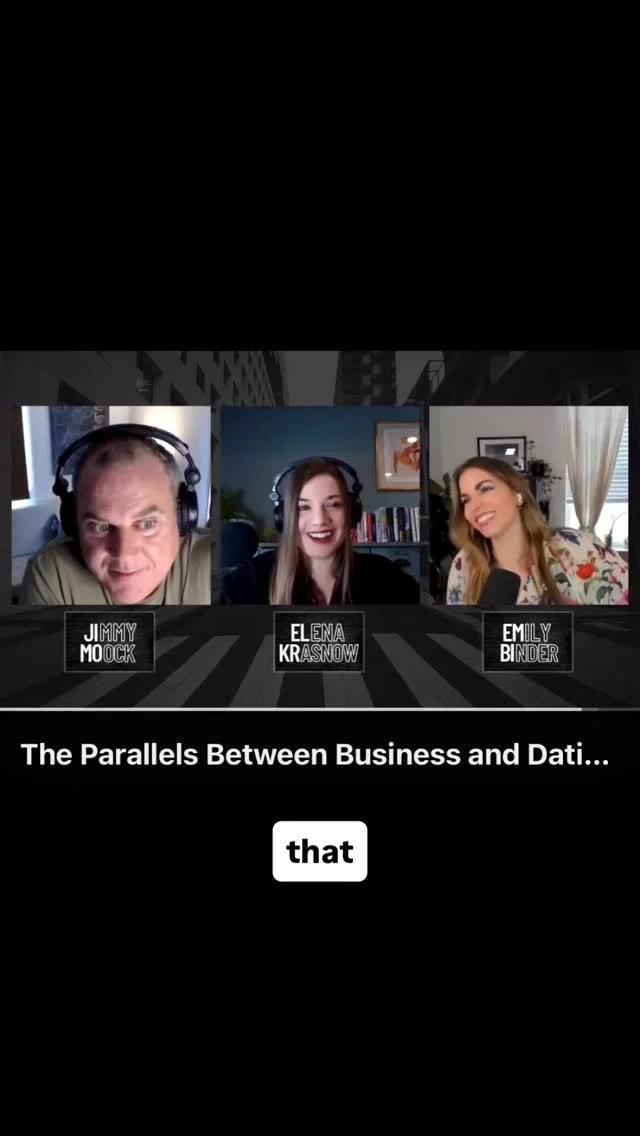
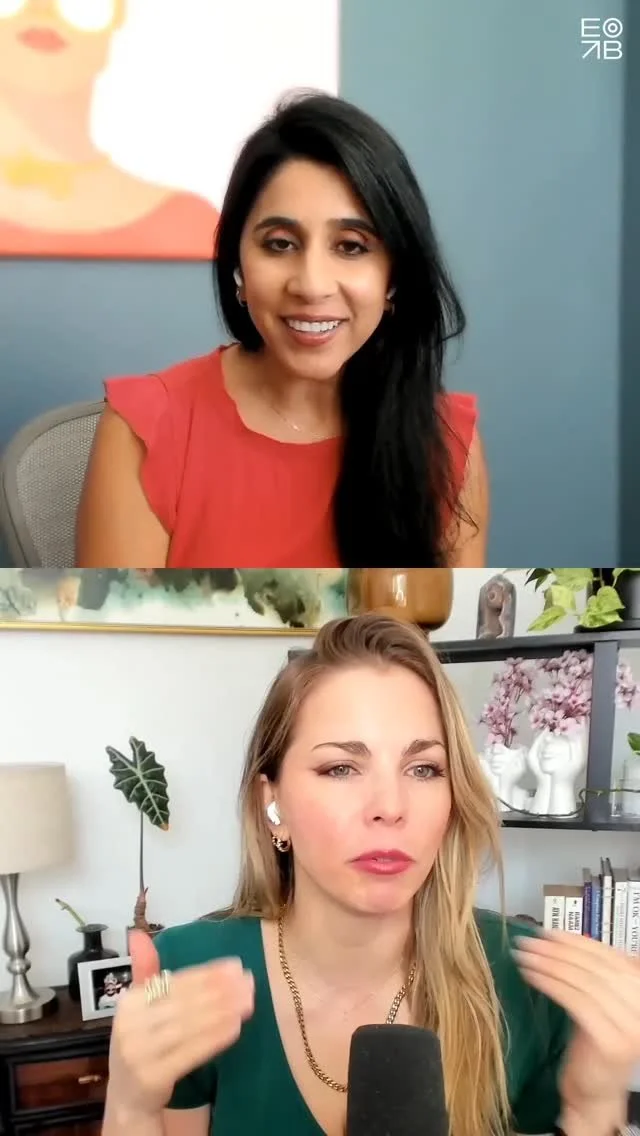
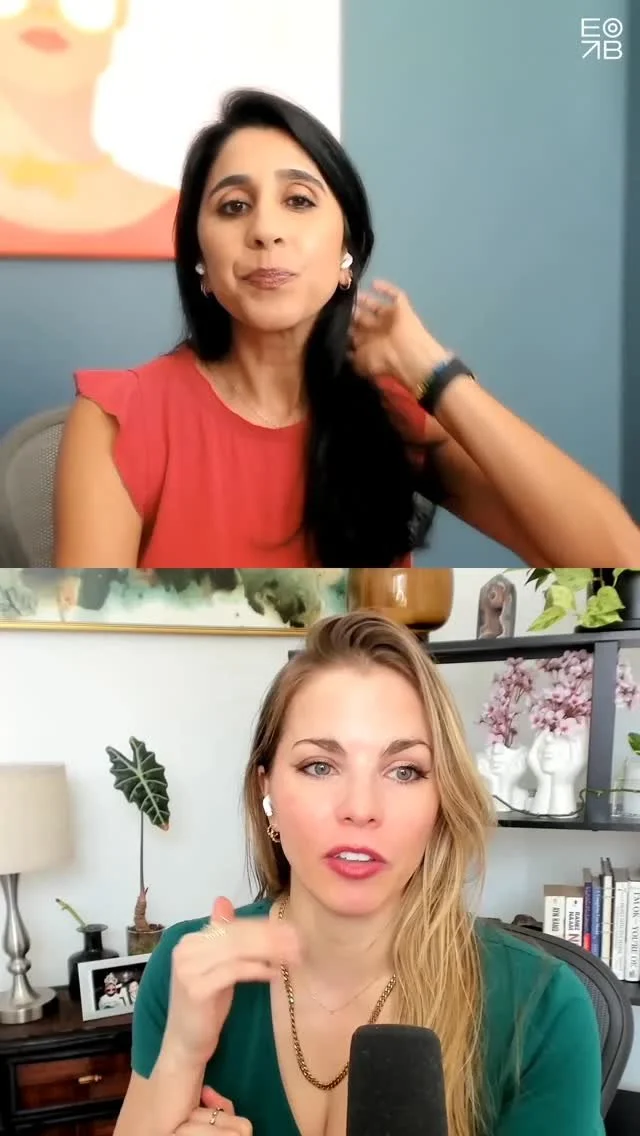
When it comes to sharing a blog post or YouTube video or article on social, you want the featured / thumbnail image to be rich media, not an attached plain image which forces the user to find the shortlink in the text of the post. That plain image style lowers the engagement rate and likelihood they will click out to your content. Here’s a clip from the podcast explaining more:
Note: this doesn't apply to zero click content, e.g. photo posts where you intend to simply upload pics and not drive traffic to a link - which is fine and intentional.
Example posts: Do This vs. Don't Do This:
A) Do this- Optimal examples:
A rich media experience, clickable featured image with metadata (title, description, target website shown)

Good LinkedIn post style for promoting a YouTube video podcast. First give the audio link (Spotify, Apple, or Podlink / Plink universal podcast menu link. THEN give the YouTube link as the final link because LinkedIn will scrape / feature metadata from the last URL.)
-Twitter example 1 (YouTube clickable preview)

Good X post with YouTube rich media preview - btw this is our client Jonathan Satovsky’s podcast, Wisdom, Wealth, and Wellness - incredible guests like Greg Harden, Bob Roth, Joel Greenblatt- check it out!
-LinkedIn example 1 (YouTube clickable preview)
-LinkedIn example 2 (Two links for podcast audio and video) - Advanced tip: for a post with two links: LinkedIn favors the last URL as the clickable media so if you have a podcast, first put the audio link THEN the YouTube link so people see the more engaging clickable video thumbnail with details. Another good example (do this):

Good post style - LinkedIn: this is a caveat. Zero-click content is meant to let the user get the full scoop without clicking away. Great for photos or videos natively uploaded. Popular lately also: swipe through carousel photo style posts (like mini webinar slides).
B) Don't do this: Not optimal examples:
A jpg or png is attached and that preview image that isn't clickable to open the media. User has to find the link to click inside the post text. Less engaging when seen in a feed.

-LinkedIn example 1 (way too many tags which hurts the post algo if tagged people or companies don't engage, and difficult to visually find the actual target URL)
-LinkedIn example 2 (nice post but image is static and not rich media/clickable to the target URL)
Follow on Instagram: @beetlemoment
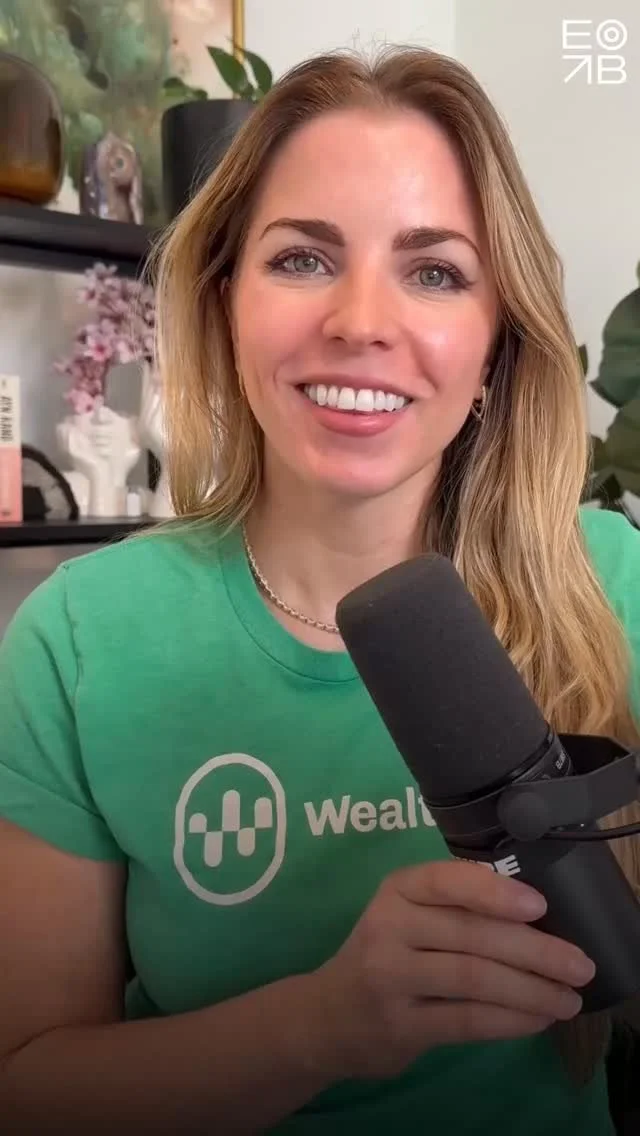
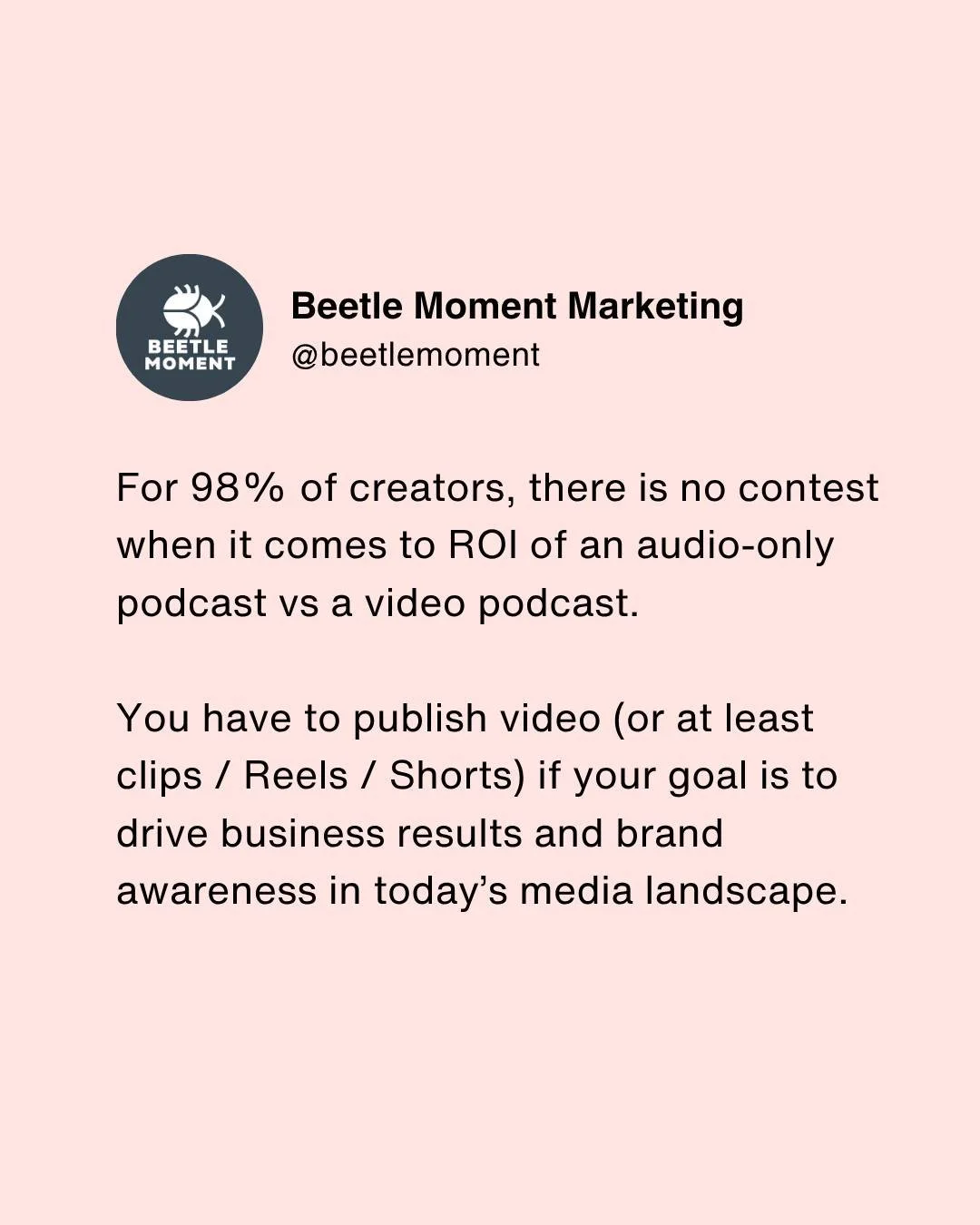
Rate / review / subscribe to Voice Marketing with Emily Binder (mini-pod)

Emily Binder's Top Three Podcast Tips (Videos)
Get your podcast or Flash Briefing / WealthVoice Alexa skill up and running with these three must-know starter tips. Voice marketing expert Emily Binder covers the best microphone options for beginners to advanced, the top marketing mistake many podcasters make, and the number one podcast SEO tip.
1) Podcast Microphone: 3 Best Mics (Review)
Get the perfect microphone for your podcast whether you're a beginner or advanced. Emily reviews three great choices (one is free: your phone!). This 7-minute video includes the famous Shure SM7B. Whether you choose Blue Yeti or Shure, ALL the equipment you'll need is linked in the YouTube description or here:
A) Blue Yeti, the top USB mic in the world. The Blue Yeti Amazon Idea List includes:
Blue Yeti USB mic
Boom arm / desk clamp with pop filter
Extra USB cable (have 1 as a backup)
B) Shure SM7B podcast microphone bundle (everything you need).
2) Avoid the #1 Mistake: A Better Way to Share Your Podcast on Social Media
“Don’t make this common mistake when sharing your podcast on social media! Here's a free solution that I use for my podcasts and suggest to all my clients. A universal podcast link. Get your show's 1-click Plink link: https://beetlemoment.com/plink
It’s a single podcast smart link and it will cover your bases for all the major podcast apps. This way you don’t alienate any audience and get the benefit of one simple CTA in your social posts. Sharing your podcast on social media is a key way to grow your audience, so don't make the mistake of sharing only the Apple Podcasts or Spotify or show notes page link!” -Emily
3) Top Podcast SEO Tip: Your Episode Descriptions
“This is my number one tip to get SEO value out of every podcast episode. It's so simple and effective. Google search will scrape keywords but especially outbound links (hyperlinks) that have rich anchor text (keywords that make up the hyperlink).
This means your podcast episodes can outrank blog posts, especially for unique search terms relevant to your brand or business. I show you an example of how my search for ‘onramp invest alexa quick link’ turned up a four-month old Spotify podcast episode I had done where I used similar text in a hyperlink in that episode's description.” - Emily
Subscribe Free to the Mini Podcast: Voice Marketing with Emily Binder

Advertising in 2020: Stats (3 Episode Miniseries on Voice Marketing Flash Briefing)
People wouldn’t mind if 77% of the world’s brands ceased to exist, according to a recent study by Havas. That’s up 3% from 2017.

Photo by Dan Farrell on Unsplash
6.5 minute listen:
Below you can play our three-part miniseries about key advertising and marketing stats for 2020. This aired on Voice Marketing with Emily Binder, our Flash Briefing and daily podcast (links to subscribe are at the bottom).
Episode 1 of 3: 84% Expect Content from Brands
Havas research from 2019 says that 84% of consumers expect brands to create content. But where will you create it tomorrow? Data from Havas’ global Meaningful Brands® 2019.
Episode 3 of 3: Videos Are Shared 1,200% More
Videos are shared 1,200% more than text and links combined - Forbes.
Stay on Top of Marketing & Voice, Easily:
We publish new episodes every weekday! Listen free on Alexa or your podcast app:

1 Link to Share Your Podcast Everywhere: Plink Smart Link - Social Media
Grow your podcast audience. Send listeners to the right place every time. Your podcast already has a free Plink that opens your show in the listener's podcast app. Best for social media to simplify sharing.
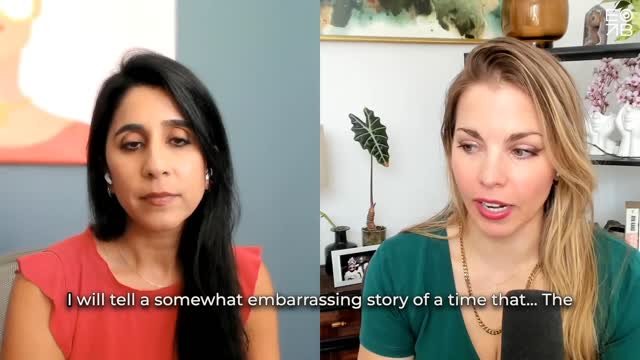
What is the number one mistake podcasters make when sharing their show on social media? Emily Binder breaks it down in this 60-second video and shares the solution we recommend:
Want to reach a larger audience?
Over 55% of U.S. adults have listened to a podcast. What’s stopping the rest?
48% of people who don’t listen to podcasts say it’s because they’re “not sure how to listen.”
Of the people who don't listen to podcasts, 80% (wrongly) think they "don't have a podcast app on their phone” (via Edison Research).
In reality, iPhone and Android phones have a native podcast app. And all smartphones can play podcasts from a mobile browser. So reassure your social media audience that they can indeed access your podcast with one simple link. Remove any perceived friction from both seasoned podcast listeners and newbies.
Podcast hosts:
You know the moment of uncertainty when it comes time to share a new episode on social. Do you share the Apple link, the podcast’s home page/show notes with the web player, Spotify, SoundCloud, all of it, or what?
If you tweet an Apple Podcasts link, you could miss your entire Android audience.
We’ve all seen single tweets containing multiple links to play a podcast in Apple AKA iTunes, Google Play, Stitcher, and more. Those posts are messy and violate one of the rules of marketing:
Simplify your CTA (call to action).
There is an easy solution: Plink.
What you want is a nice clean social post with ONE link. Don’t confuse your audience and make them figure out what to click.
This is what Emily Binder suggests to clients. We use it to share our podcast and Flash Briefing.
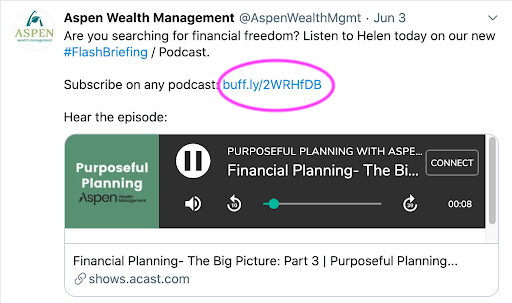
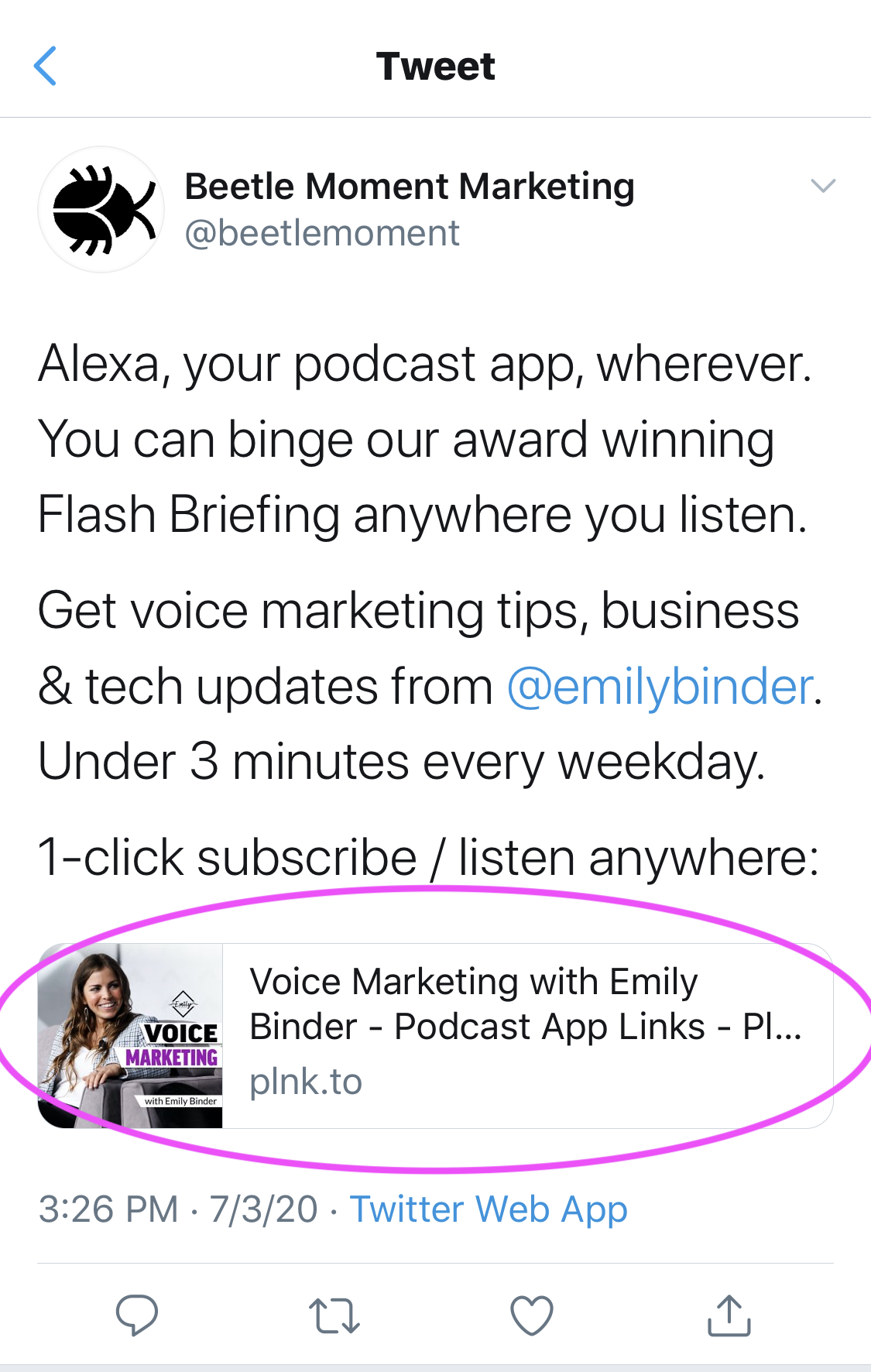
Example tweets using Plink (circled in pink), scroll right below:
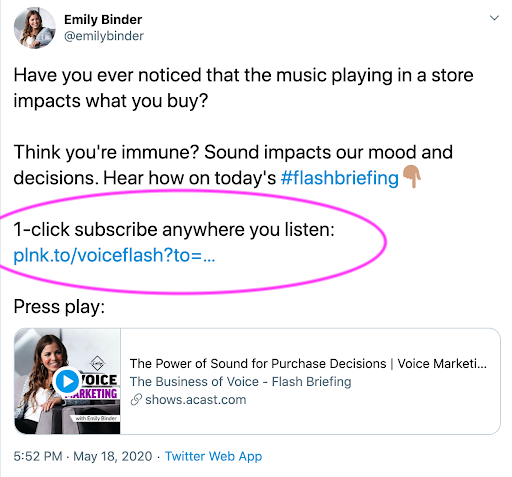
Plink universal podcast links
Plink makes smart links that automatically open the right podcast app on mobile, or present links to all the major podcast apps (AKA podcatchers).
Plink makes smart links for podcasts that everyone can play.
Podcast + link = plink
Click “More” in the Plink widget below to see all the additional podcast app options including Overcast, Castbox, Stitcher, Soundcloud, Pocket Casts, and more. Individual episodes also have their own Plinks:

Plink links send listeners to the right place, every time. Whether that’s from iOS, Android, a laptop, a watch, or a messaging app. Plink recognizes devices/OS then deep links listeners into pre-installed podcast apps if opening a Plink link on mobile. If opening on desktop, it sends the listener to the podcast’s Show Page with app links for Apple Podcasts, Google Podcasts, Spotify, Overcast, Breaker, and more.
Cost:
For $39/year you can create your customized podcast smart link with bonus features. Otherwise the service is free. Features with the paid version:
Custom, short link
$39/yr - plnk.to domain
Everything else included in Free, plus:
Custom, short branded link (plnk.to/yourshow)
Remove "Powered by Plink" branding
Add your iTunes Affiliate ID (optional)
Add/Edit/Customize pod apps URLs
Customize Show Pages & Embeds
Increased visibility - search indexing (helps podcast SEO)
Dedicated support specialist
List 100 latest episodes links
Link analytics
The paid version/upgrade is affordable at under twenty dollars for the year, and looks more professional too. For example, here are vanity URLs from two popular podcasts:
Barry Ritholtz - Masters in Business: https://plnk.to/MIB (see our case study on launching v1 of The Compound Show with Ritholtz Wealth Management CEO, Josh Brown)
This American Life: https://plnk.to/thisamerlife
More benefits of Plink:

This is what our Plink podcast landing page looks like. All the major podcast apps on a neat menu with individual episodes, too.
A podcast app menu widget with an easy embed code for your blog
How to get it: click “Share” from the show’s Plink page, then copy and paste the code as Markup / HTML on your website. It will look the the Beetle Moment Marketing Podcast menu you see here.
Ability to send users to a specific podcast app (a feature with the paid plan):
Plink smart links, without any parameters added (params outlined below), will detect the listener’s device, geo, and other factors and send them to your show in pre-installed podcast apps like Apple or Google Podcasts automatically. This is a link that anyone can play, no matter their device or OS. It works on iOS, Android, desktop, etc. (That is the first link below). Or you can utilize other variations that you now own, too (links are case-sensitive):
plnk.to/beetlepod?to=page (to always send to the Show Page menu - where desktop/laptop users are sent regardless. Use this link if you want mobile users to see the menu instead of automatically opening in their app such as Apple Podcasts)
plnk.to/beetlepod?to=embed (for website Embeds on your own site - iframe code snippets are found at bottom of Show Pages)
plnk.to/beetlepod?to=applepod (to always send to Apple Podcasts if needed for some reason (e.g.. exclusives))
http://plnk.to/beetlepod?to=googlepod (to always send to Google Podcasts)
http://plnk.to/beetlepod?to=spotify (to always send to Spotify)
Reminds me of…

75% of Americans are Now Familiar with Podcasting: This is approximately 212 million people and an increase of more than 10 million in one year. (Infinite Dial 20)
Have you used the music sharing app Songwhip? It lets you share a universal link (instead of a link to a song on Spotify or YouTube etc.). This way, friends can open the song you share on their music streaming player of choice: Spotify, Apple Music, Google Play, Pandora, etc.
Feeling musical? Here are some Songwhip link examples - click to play on your favorite music app:
Plink is offering something similar to Songwhip, but for podcasts. Make sense? Yeah!
Find any podcast’s Plink here to check it out.
This is the closest thing we’ve seen to a solution for the common problem that sharing your podcast is a major PITA.
To be thorough, here are a couple alternatives to Plink:
1) You can use smart.url, a subscription service, to accomplish the same thing:
Smart & powerful. One link that redirects by country and device. smartURL combines all the features previously found in Country, Device and Music types.
2) Playpodca.st offers a smart link for a one time charge of $25:
Get a playpodca.st shortcut to your show today, and you will have a link that takes your listeners to a native podcast player, no matter whether they are clicking from iOS, Android, Windows or Mac.
Desired: All Plink needs is to integrate with Alexa Flash Briefing. We hear this feature is coming soon. For example, our Flash Briefing, Voice Marketing with Emily Binder is available on the major podcast apps. But we’d like to have Alexa Flash Briefing as one of the assorted podcast app options on the Plink page.

Monthly Podcast Listeners Have Grown 54% in 3 Years: In 2017, 24% of Americans 12 or older listened to podcasts monthly, compared to 37% in 2020. (Infinite Dial 20)
Bottom line:
Shortlinks like Plink make marketing podcasts easier. Hosts and producers can promote a show with one, smart link. Learn more and find your show’s Plink smart link: plinkhq.com
This post is not sponsored. But if you sign up with our link we’ll get a small referral fee which helps pay for hosting the podcast and blog. Our goal is to share knowledge that will help podcasters stop tweeting out a mess of links. :)
This post was updated March 2021 to provide the latest stats and links.